Unlock the Full Power of Claude: 5 Hidden Settings You Need to Enable


Most users only scratch the surface of what Claude can do. While it is a formidable conversationalist by default, there are several "buried" features in the settings menu that can make the AI significantly more powerful and personalized.
By adjusting these five hidden settings, you can transform Claude from a standard chatbot into a highly integrated, automated assistant that understands your history, mimics your voice, and executes tasks even when you are away from your desk.
1. Enable Global and Project Memory
Claude features a comprehensive memory system that is disabled by default. When turned on, Claude can remember your preferences and details across different conversations, eliminating the need to repeat instructions.
To activate this, navigate to Settings > Capabilities and toggle on "Generate memory from chat history". Memory operates on three distinct levels:
- Conversation Memory: Context gathered within a single chat.
- Project-Specific Memory: Instructions that stay within a specific project and apply to every chat inside it.
- Global Memory: Information that follows you across all of Claude.
You can manage these memories by going to Settings > Capabilities > Memory, where you can manually add, edit, or delete specific items Claude has learned about you.
 Hamza Musa
2. Set Your Custom Writing Style
Instead of settling for a generic AI tone, you can train Claude to write exactly like you do. By using the "Use Style" feature, you can create profiles based on your actual writing samples—such as emails, LinkedIn posts, or reports.
Claude analyzes your tone, sentence structure, and vocabulary to build a profile that sounds authentic. You can create multiple styles, for example, one for casual social media and another for technical internal documents—and switch between them instantly before starting a prompt.
 Hamza Musa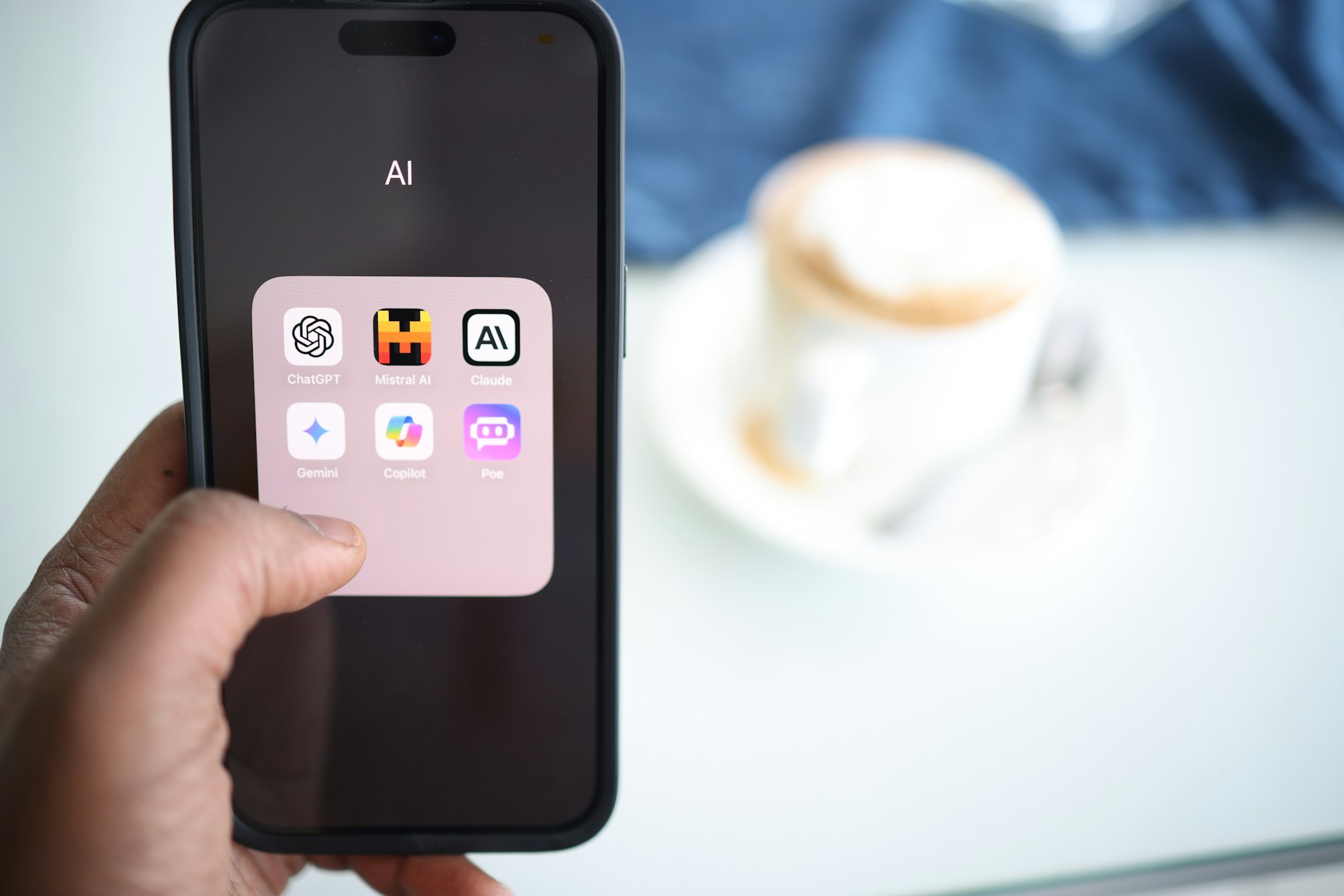
3. Activate Interactive Artifacts
Artifacts allow Claude to move beyond text responses and build functional, interactive tools right in your browser. This includes items like project trackers, weekly planners, or even small games.
To enable this, go to Settings > Capabilities and turn on Artifacts in the visual section.
- Speed: You can build complex tools, like a drag-and-drop content calendar, in seconds.
- Portability: Artifacts aren't locked in the chat; you can export them as HTML files or standalone apps to use on your own website.
- Pre-made Tools: There is an artifacts tab on the left sidebar featuring ready-to-use generators and editors.
4. Connect Your Workflow with Connectors and Plugins
Claude can bridge the gap between AI and your data through Connectors. In the Settings > Connectors menu, you can link Claude to apps like:
- Google Drive and Gmail: To read emails, draft responses, and pull documents.
- Google Calendar: To check your schedule.
- Notion, Figma, and Slack: To integrate directly with your professional tools.
Additionally, Anthropic offers specific Plugins, such as a PDF viewer that allows you to sign and annotate documents directly in the chat using /view/pdf commands. These plugins are typically accessed through the Claude desktop app.
 Hamza Musa
5. Remote Execution via Dispatch
Perhaps the most advanced feature is Dispatch, which allows you to trigger tasks on your desktop computer from your mobile phone. By enabling Dispatch under Settings > Co-work, you can use the Claude mobile app to execute complex workflows on your home PC while you are on the go.
For example, you can use your phone to tell Claude to find a file on your home computer and send it to you via Slack, or have it complete a research task and save it to your drive before you even get home. This feature ensures your AI assistant keeps working regardless of where you are.
 Hamza Musa
 Hamza Musa
 Hamza Musa
 Hamza Musa